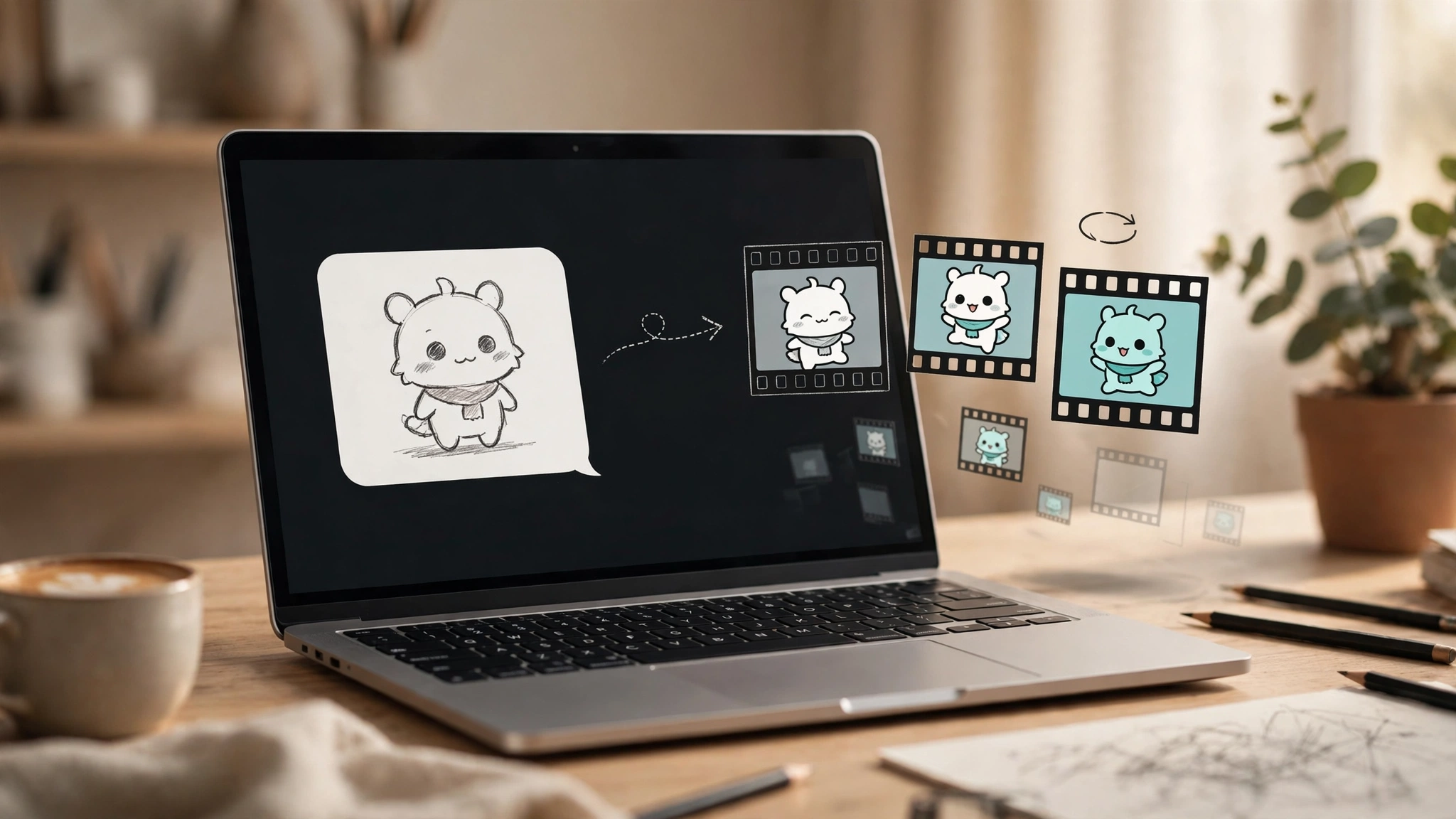
The headline feature is GIFs — and they’re not video
OpenAI announced Images 2.6 on November 4, 2026, and the feature everyone will actually use is the one that sounds smallest: looping GIFs. Ask ChatGPT for a GIF, or hand it a still image and ask it to animate, and it returns a short loop you can adjust, edit frame by frame, and share. Developers get the same thing through the API with output_format: "gif" on the generations endpoint.
Before you picture a video model, understand what these are. A 2.6 GIF is assembled from related stills, not generated as continuous motion. OpenAI’s own examples use sprite-sheet prompts — “exactly 6 sequential frames in a precise 3-column by 2-row grid” — and the model renders the frames, then stitches them into a loop. The official API docs put the frame count at 2 to 16 frames, defaulting to 9, with each frame lasting 20 to 2,000 milliseconds and defaulting to 200. That means a default loop runs about 1.8 seconds. Short, punchy, and honest about what it is.
That framing matters because the failure modes follow from it. Complex motion and multi-subject scenes can show artifacts — a hand that changes shape between frames, a background that shifts. OpenAI’s own documentation is candid that text rendering can still struggle with precise placement and clarity, and that recurring characters can drift across edits. A mascot waving, a reaction GIF, a logo that bounces once: that’s the sweet spot. A short film is not, and OpenAI isn’t pretending otherwise.
One rollout caveat: the launch post says Images 2.6 is available globally across all subscription tiers, but the release notes say GIF creation “is rolling out,” and OpenAI has given no date for full availability. Not every account has it yet. Free-plan GIF access is also unconfirmed by OpenAI, though at least one tester reported generating a GIF on a Free account on November 5. If the GIF button isn’t in your ChatGPT yet, it’s the rollout, not your plan.
Save a character once, use it forever
The second feature is quieter and arguably more useful for anyone making a series of images: reusable reference images. Save a reference of yourself, a pet, or a character once, and reuse it in new images without re-uploading it every time. If you’ve ever tried to keep the same mascot consistent across twenty images by re-uploading the same file and re-describing it, you know how much friction this removes.
OpenAI pairs this with a claim of better edit consistency overall — characters, products, and brand details holding steadier across edit rounds. That’s the kind of claim that’s hard to verify from a launch post, and there are no independent benchmarks yet, so treat it as the maker’s word until people have actually hammered on it for a week. The early signal worth watching is whether the same character survives five or six edit rounds without drifting, because that’s where the previous version tended to lose the plot.
Flare vs Sunburst: same price, different job
Images 2.6 ships as two models, carried over from 2.5, and the split confuses people because it looks like a pricing tier. It isn’t. Flare (gpt-image-2.6-flare) and Sunburst (gpt-image-2.6-sunburst) cost exactly the same per token, take the same parameters, and support the same features. The difference is what they’re tuned for.
Flare is the fast one. OpenAI says it can produce an image in as little as six seconds at low quality, and it also claims improved layout quality for posters and product imagery. Sunburst is the careful one: higher-quality generation and greater consistency across edit rounds, at medium or high quality. Pick on latency versus detail, not on price, because there is no price difference to optimize.
OpenAI’s headline speed claim is “50% faster than before,” with no stated baseline — treat that as the vendor’s number. One secondary source cites OpenAI’s own Flare benchmark at 7.08 seconds on 2.5 versus 4.84 seconds on 2.6, which works out to roughly 32% faster. Either way it’s meaningfully quicker; the exact percentage depends on whose measuring stick you trust.
The pricing catch nobody is leading with
Here’s the part of the launch that deserves more attention than it’s getting. The token rates are unchanged from 2.5 and identical for both models: $5 per million text-input tokens ($1.25 cached), $8 per million image-input tokens ($2 cached), and $30 per million image-output tokens. Same rates, same headline. But the number of tokens each image consumes has gone up sharply at the cheaper quality settings.
For a 1024×1024 image, low quality went from 196 tokens to 823 — about 4.2 times as many — taking the cost from roughly $0.006 to about $0.025 per image. Medium went from 439 to 1,449 tokens, about 3.3 times, from roughly $0.013 to about $0.043. High, extra-high, and max are unchanged at about $0.053, $0.094, and $0.211. OpenAI’s own calculator confirms the new low-quality figure at 823 tokens and $0.02469.
So the model got better and faster, and the cheapest way to use it got roughly four times more expensive per image. If you were generating hundreds of low-quality drafts — thumbnails, quick iterations, throwaway concepts — your bill moves even though the price list didn’t. High-quality work is unaffected, which is the opposite of how most people would expect a price change to land. There is also no Batch pricing listed for 2.6 yet, where 2.5 had a 50%-off batch option, and SVG output bills extra on top of the image cost. No published GIF-specific billing formula exists either, so test with a small frame count before running a batch of GIFs.
In ChatGPT itself none of this applies directly — there’s no per-image price. Free is listed as “Limited” image creation with no published count, and Pro is listed as “Unlimited and faster,” with abuse guardrails applying. The per-image math only bites API users, but that’s exactly the audience building products on top of this.
SVG export and the developer bits
For developers, 2.6 adds three smaller things that are easy to miss in the GIF headlines. First, SVG export on the API: output_format: "svg" returns a static vector file, with no scripts, external resources, or embedded rasters. It only works on the generations endpoint, only one image at a time, with no streaming, and SVG can’t be used as an edit input. Still, clean vector output for icons and logos without a separate tracing step is a genuine workflow win.
Second, image markup in the API. This already existed in ChatGPT; now POST /v1/images/edits accepts a transparent PNG overlay circling what to change. Point at the thing, describe the change, and the model edits that region. OpenAI warns not to combine markup with a mask or the prompt rewriter, so pick one mechanism per edit.
Third, a new complexity parameter — low, medium, or high, defaulting to high, with no separate fee. It controls how much the model plans before rendering, and it’s separate from quality, which controls render detail. OpenAI recommends low for most edits and medium or high for dense text, complex layouts, or many constraints. Higher complexity can add latency and introduce unwanted changes, so it’s a dial to turn up deliberately, not a default to leave alone.
One administrative note: the API may require Organization Verification before you can call these models, and there’s a safety_identifier parameter for per-end-user tracing. If your first 2.6 call fails with a verification error, that’s why.
What it still can’t do
The honest version of this launch is that Images 2.6 is a real step forward with a real price wrinkle and the same rough edges as before. Complex prompts can take up to two minutes. Text placement can still be off. Composition control is weak in layout-sensitive work. And the safety numbers, from OpenAI’s own system card testing 3,077 adversarial prompts, are mixed rather than triumphant: unsafe generations that weren’t blocked moved from 1.92% to 1.72% on Sunburst and from 1.49% to 2.14% on Flare, which OpenAI itself says isn’t statistically significant. GIF moderation recall sits at 77.7%, and motion-related violations are harder to detect than still-image ones. Every output carries C2PA metadata and an invisible SynthID watermark.
Who should care most? Marketers and creators making mascot loops, reaction GIFs, and animated storyboards before committing to video; product and poster work where Flare’s layout handling helps; developers doing multi-edit brand work where Sunburst’s consistency matters, or needing SVG icons straight from the API. Who should skip it for now? Anyone who needs long animation — this is a 1.8-second loop, not a video model — and anyone whose workflow depends on the old low-quality pricing, until they’ve re-run their cost math.
The GIFs are the fun part. The pricing change is the part that will show up on an invoice. Both are the story.
Also today: Gemini Omni 1.2 Flash goes GA with 15-second clips and a 30% price cut and Agent-browser: the CLI that gives AI agents a browser. For more on OpenAI’s model lineup, see our GPT-6.1 Terra and GPT-6 Intelligent UI coverage.