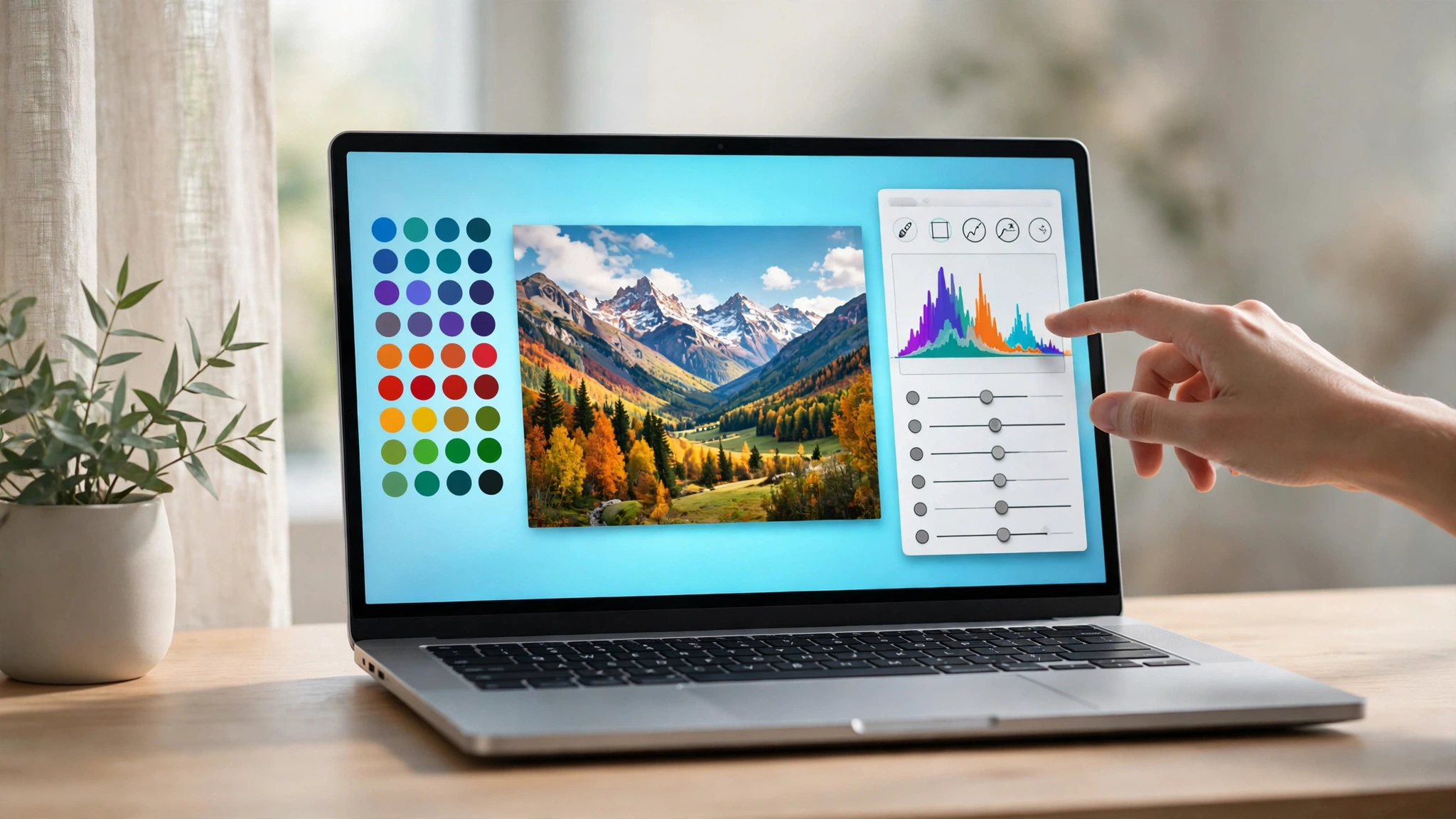
Apple has finally put a touchscreen on a Mac. The MacBook Pro with PROLED XDR Display, announced October 28, is the first Mac you can touch — and it arrives with a price that makes clear who Apple thinks it’s for. The 14-inch model starts at $2,899, pre-orders opened the day of the announcement, and the first machines reach stores on Friday, November 6.
This is not the MacBook Pro most people will buy. It is the one photographers, video editors, and illustrators have been asking Apple about for a decade, now built around a tandem OLED panel Apple calls PROLED XDR, the same M5 Pro and M5 Max chips from the spring MacBook Pros, and a chassis that somehow got lighter while gaining a touch layer. If you were waiting for the October 28 event to decide on a new Mac, the decision just got more interesting — and more expensive.
The display is the whole pitch
Start with the screen, because that is what the $2,899 buys. PROLED XDR stacks two light-emitting layers in a tandem OLED panel, and the numbers Apple publishes are a step past the mini-LED display it replaces: up to 2,000 nits of peak brightness for both HDR and SDR content (the old panel managed 1,600 nits, and only for HDR), a 10,000,000:1 contrast ratio against the old 1,000,000:1, and a color gamut covering both P3 and Adobe RGB, with more than 80 percent of Rec. 2020. For print work, the Adobe RGB coverage is the detail that matters — it is the color space photographers actually deliver in, and it has never been native to a MacBook display before.
ProMotion now swings from 10Hz to 120Hz, so the panel sips power on a static page and stays smooth when you scroll. Every model gets an antireflective coating as standard, with a nano-texture option etched directly into the cover glass for glare-heavy rooms. Thinner bezels stretch the screens slightly, to 14.2 and 16.3 inches diagonally. And the notch is gone, replaced by the Dynamic Island from the iPhone, which now houses Spotlight, Live Activities, and Siri on the Mac.
Touch, built the way Apple usually builds things
Apple’s approach to touch is characteristically cautious. The touch sensor is built directly into the display panel rather than layered on top, which Apple says cuts latency, and a redesigned hinge keeps the screen steadier when you tap it. The gestures are the obvious ones: swipe to scroll a page, pinch to zoom a photo, drag slides between presentations, double-tap a window to fill the screen, flick a window to tile it.
Here is the part worth reading carefully. macOS translates touches into clicks, so many existing apps work with touch immediately — but apps purpose-built for touch are a second wave. Apple’s own Creator Studio apps get touch features in a November update: Pixelmator Pro lets you draw on the canvas, Logic Pro adds a playable multi-touch keyboard with chord and drum pads, Final Cut Pro lets you pinch to zoom a cut. Third-party apps Apple names — Notion, Canva, Zoom, Microsoft Office, Lightroom, DaVinci Resolve, Blender, among others — arrive later this year, per Apple’s own footnote. Touch on day one is real, but the touch-optimized app library is not finished yet. That is a reason to wait if touch itself is your main reason to buy.
Same chips, lighter everything
Under the screen, nothing about performance changes — and that is the point. The M5 Pro and M5 Max are the same chips Apple shipped in the spring MacBook Pros, with up to 128GB of unified memory and storage now reaching 16TB. What changed is the body around them: the 14-inch model weighs 3 pounds, half a pound less than before, and the 16-inch weighs 4 pounds, 0.7 pounds lighter. Both are slightly thinner. Battery life is rated at up to 24 hours, unchanged, with fast charging reaching 50 percent in 30 minutes.
The rest of the spec sheet reads like a pro wishlist: three Thunderbolt 5 ports, HDMI, an SDXC card slot, MagSafe, and a headphone jack; Wi-Fi 7 and Bluetooth 6 on Apple’s N1 wireless chip; a 12MP Center Stage camera; a six-speaker system Apple says delivers 50 percent deeper bass. The M5 Pro drives up to three external displays, the M5 Max up to four. It ships with macOS 27, which Apple calls Golden Gate.
What it costs
Apple sells four starting configurations in the US, with education pricing in brackets:
- 14-inch, M5 Pro: $2,899 ($2,749 education)
- 16-inch, M5 Pro: $3,399 ($3,199 education)
- 14-inch, M5 Max: $4,499 ($4,199 education)
- 16-inch, M5 Max: $4,799 ($4,499 education)
For comparison, the previous mini-LED models started at $2,499 and $2,999 in the same configurations — so the touchscreen OLED display costs roughly $400 extra, before you touch the configurator. Apple Upgrade leases start at $55.99 a month over 36 months in the US, excluding taxes and trade-in credit. Pre-orders are open in 30 countries and regions, including the US, through Apple’s online store and the Apple Store app.
Do not confuse it with the $1,999 MacBook Pro
Apple announced two different MacBook Pros in the same week, and the naming invites a costly mistake. The 14-inch MacBook Pro with M6, announced October 27, starts at $1,999 — $900 less than the cheapest touchscreen model. It has the newer M6 chip, but it keeps the older Liquid Retina XDR mini-LED display (1,600 nits peak HDR), has no touch, three Thunderbolt 4 ports instead of Thunderbolt 5, supports two external displays, and tops out at 32GB of memory. It matches the touchscreen model on battery life, and it arrives the same day, November 6.
The same week also brought a new 24-inch iMac with M6, starting at $1,499, with pre-orders open and the same November 6 availability. If your work lives at a desk, that is the cheaper M6 machine. The touchscreen MacBook Pro is for people who need the display and the portability together — and who can expense the difference.
Who should buy it, and who should wait
Buy the touchscreen MacBook Pro if you grade video, edit photos for print, draw on screen, or work in bright rooms where 2,000 nits of SDR brightness and Adobe RGB coverage change what you can see. The lighter chassis is a genuine bonus for anyone who carries a 16-inch machine daily.
Wait — or buy the cheaper M6 model — if you mostly write, code, browse, and edit casually. The $1,999 MacBook Pro gets you the same battery life and a newer chip for $900 less, and the touch apps that would justify the premium are still rolling out. Wait as well if you want independent display measurements: everything about the panel so far is Apple’s figures, and the first hands-on units land November 6.
What to watch next: how macOS 27 handles touch in everyday use once real reviewers get machines, whether the third-party touch apps land before the holidays as Apple promises, and whether the $400 premium over the mini-LED models holds once street prices appear. Apple spent years saying a touchscreen Mac was a bad idea. Now it has to prove the opposite — one tap at a time.
For context: our preview of Apple’s October 28 event covered what was expected before the announcement, and our earlier look at the touchscreen MacBook rumors tracked how the story developed. The new iPad mini that arrived the same week is covered in our iPad mini A20 Pro story. Also new today: PlayStation Plus November 2026 games.