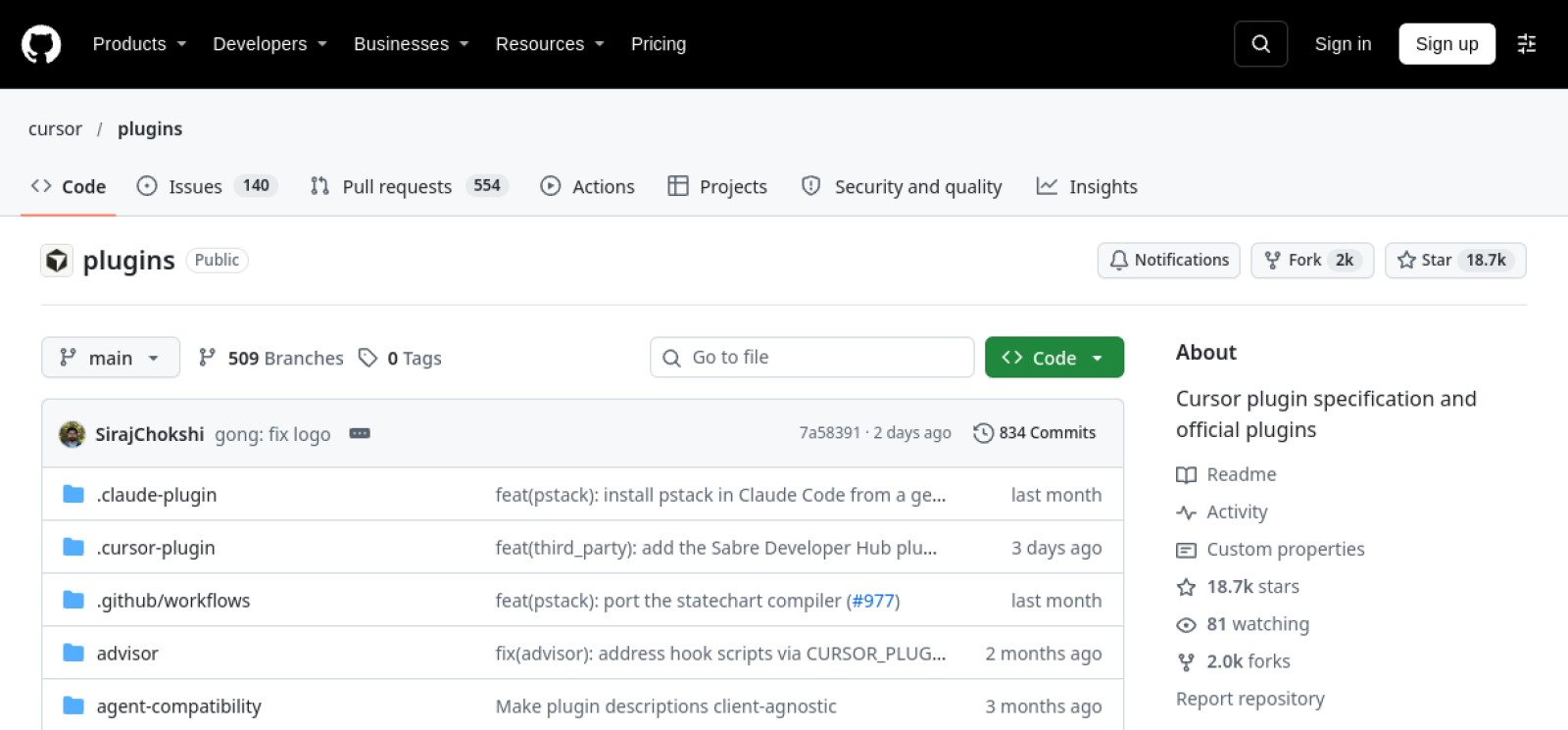
Cursor’s official plugin repository is having a moment. cursor/plugins sits at #5 on GitHub Trending today with 18,671 stars, about 300 new stars today, and roughly 1,600 added in the last five days. That is a lot of attention for a repository that is mostly plugin definitions — Markdown files, JSON manifests, and rules — rather than an application. The attention makes sense once you see what it contains: 145 installable plugins that turn Cursor from a code editor with an AI assistant into an editor whose assistant already knows your tools.
The surge is not a launch-day spike. The plugin system launched on February 17, 2026 with Cursor 2.5, and the repository itself was created on January 23, a few weeks earlier. What is new is the scale: the catalog has grown from around 121 plugins in early November to 145 today, and the trending surge suggests the idea has crossed from early adopters into the mainstream. Nine months in, plugins are how Cursor extends itself — and this repository is the official record of how.
One install, six ingredients
A plugin is a bundle. Before plugins, extending Cursor meant hand-configuring each piece separately: rules files in .cursor/rules, individual skills, and MCP server JSON you pasted into a config. A plugin wraps all of it into one installable unit with one manifest — a standalone directory at the repo root with its own .cursor-plugin/plugin.json — and distributes it through a marketplace.
Each plugin can bundle up to six components, per Cursor’s own docs: Rules (.mdc files, persistent AI guidance), Skills (SKILL.md, loaded when a task matches), Agents (custom agent configurations), Commands (agent-executable files), MCP Servers (Model Context Protocol integrations), and Hooks (automation scripts triggered by events). Newer docs add variables and prebuilt canvases as plugin features. The per-plugin anatomy in the README is the same shape every time: a plugin.json manifest, a skills folder, a rules folder, and optional mcp.json, README, CHANGELOG, and LICENSE files.
There are two formats, and the distinction matters. Agent Plugins are the open standard — a plugin.json at the plugin root packaging skills and MCP servers, portable across tools. Cursor Plugins use .cursor-plugin/plugin.json and add the Cursor-specific components: rules, agents, commands, hooks, and variables. Cursor supports both. The repository even ships a .claude-plugin marketplace file offering two of its plugins to Claude Code, which is the shared standard working in practice. Don’t confuse plugins with VS Code extensions, though: extensions extend the editor — its UI, languages, debuggers — while Cursor plugins extend the AI agent — its knowledge, tools, and behaviour.
What’s actually in the catalog
The README’s table lists 145 plugins across five categories: 119 Integrations, 16 Developer Tools, 8 Productivity, 1 Utilities, and 1 Finance and Legal. But read the fine print before you call them all “official”: only about 17 are maintained by Cursor itself at the repository root. The other 128 sit under third_party/ and are authored by the services they connect to. “Official” here means “listed in Cursor’s official marketplace repository,” not “all built by Cursor.”
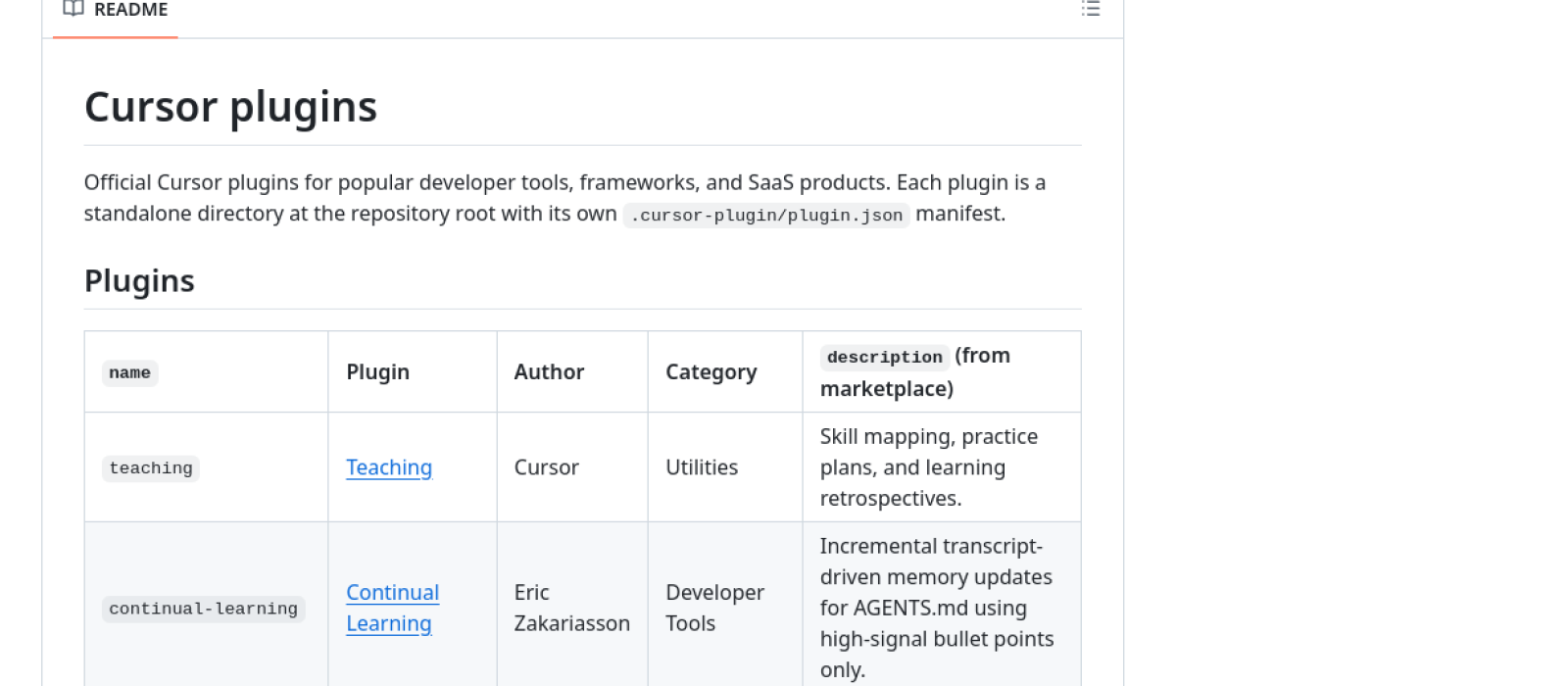
The README’s plugin catalog lists 145 plugins, from Teaching to GitHub integrations. Screenshot: github.com/cursor/plugins
The first-party highlights are the ones that show what plugins are for. Teaching maps skills and builds practice plans; continual-learning updates your AGENTS.md from transcripts; thermos does “thermo-nuclear” branch review with harsh code-quality rubrics and parallel subagents; ralph-loop runs iterative self-referential AI loops; orchestrate fans large tasks across parallel cloud agents; cursor-sdk lets you build apps and automations with the TypeScript SDK; advisor consults a stronger model before major decisions; and create-plugin scaffolds and validates new plugins. The integration side is where the catalog earns its keep: Gmail, Google Drive, Calendar, Docs, Sheets and Slides, GitHub (repos, issues, pull requests, Actions), Playwright (navigate, click, screenshot, and test in a real browser), Salesforce, HubSpot, Intercom, Zoom, Stripe-adjacent finance tools like QuickBooks, Xero, and Brex, plus Robinhood, Coinbase, and Shopify. Figma, Linear, Stripe, AWS, and Vercel were launch partners in February, but they have no rows in the current README table — don’t go looking for a figma directory that isn’t there.
Installing one takes seconds
There are four ways in, and the first is the one most people will use. In the Cursor app, open Customize in the sidebar, find the plugin, hit Install, and choose project scope (current project only) or user scope (all projects). You manage and toggle plugins from the same page. From agent chat, type /add-plugin <name> — /add-plugin vercel, for example. From the CLI, inside an agent session /plugin lists, installs, and uninstalls; from the shell, agent plugin marketplace add <git URL> adds a marketplace. And for local development, copy or clone a plugin into ~/.cursor/plugins/local/, then restart Cursor or run Developer: Reload Window. Enterprise admins should note that local imports need “Allow Local Plugin Imports” enabled, and it is off by default.
You need Cursor 2.5 or later, and team marketplaces — sharing plugins across an organisation, with Default Off, On, or Required — need a Teams or Enterprise plan. Browse the official catalog at cursor.com/marketplace, and community plugins and MCP servers at cursor.directory. If you build one, submissions go through cursor.com/marketplace/publish.
Free — with the usual asterisks
The plugins are free and MIT-licensed, per the README, and no paid plugins were found in any source checked. The costs sit behind them. Most integrations need an account with that service, usually via OAuth sign-in; some need API keys — orchestrate and cursor-sdk need a Cursor API key, grok-voice needs an xAI key — and several hooks and scripts need bash with jq, or bun. Using Cursor’s agent itself consumes your plan’s AI usage pool. Cursor’s current plans, sold as “The X Subscription” and checked in November 2026, are Plus at $8 a month, Premium at $30, Super at $100, and Ultra at $200; the legacy $20 Pro plan still works for existing subscribers but can’t be bought new. Nothing in the docs says installing plugins requires a paid plan — only team-wide distribution is gated behind Teams or Enterprise — so the fair wording is: the plugins are free, you need Cursor, and the free tier works with limited AI usage.
The honest caveat
Every plugin is manually reviewed before listing, and every update is re-reviewed — that is Cursor’s own claim, and it matters, because these plugins act with real permissions. Several of them can move real money and accounts: Robinhood and Coinbase can trade, others can send messages, book travel, or place orders. They run hooks and scripts and connect through OAuth tokens and API keys you supply. The practical advice is boring and correct: install only the plugins you need, check what each one can touch before you install it, and use project scope rather than user scope for anything with account access.
One small quirk, worth a line rather than a headline: several README descriptions say “so Grok can help…” or reference a “Grok Bot” — copy that appears shared with xAI’s Grok plugin ecosystem. It doesn’t affect function, but it shows the catalog descriptions aren’t all Cursor-native.
How does this fit with the other agent-skill projects corei10.com has covered? Google Skills is a skills library for one product’s cloud; Superpowers is a community skills framework and methodology that works across sixteen-plus tools; CLI-Anything is a tool that makes any CLI agent-native. cursor/plugins is the vendor’s own version: Cursor’s official plugin marketplace and spec, 145 installable plugins, one click inside the editor, bundling skills, rules, MCP servers, hooks, and subagents together. If you use Cursor, it is the single most useful repository on GitHub Trending today — and if you don’t, it is a clear picture of where every AI editor is heading. See also Qwen Code and shadcn/improve for two more ways to wire agents into your workflow.
Also today: Devin Bots: Cognition’s AI manager agents, explained and Gemini Computer Use comes to Mac.