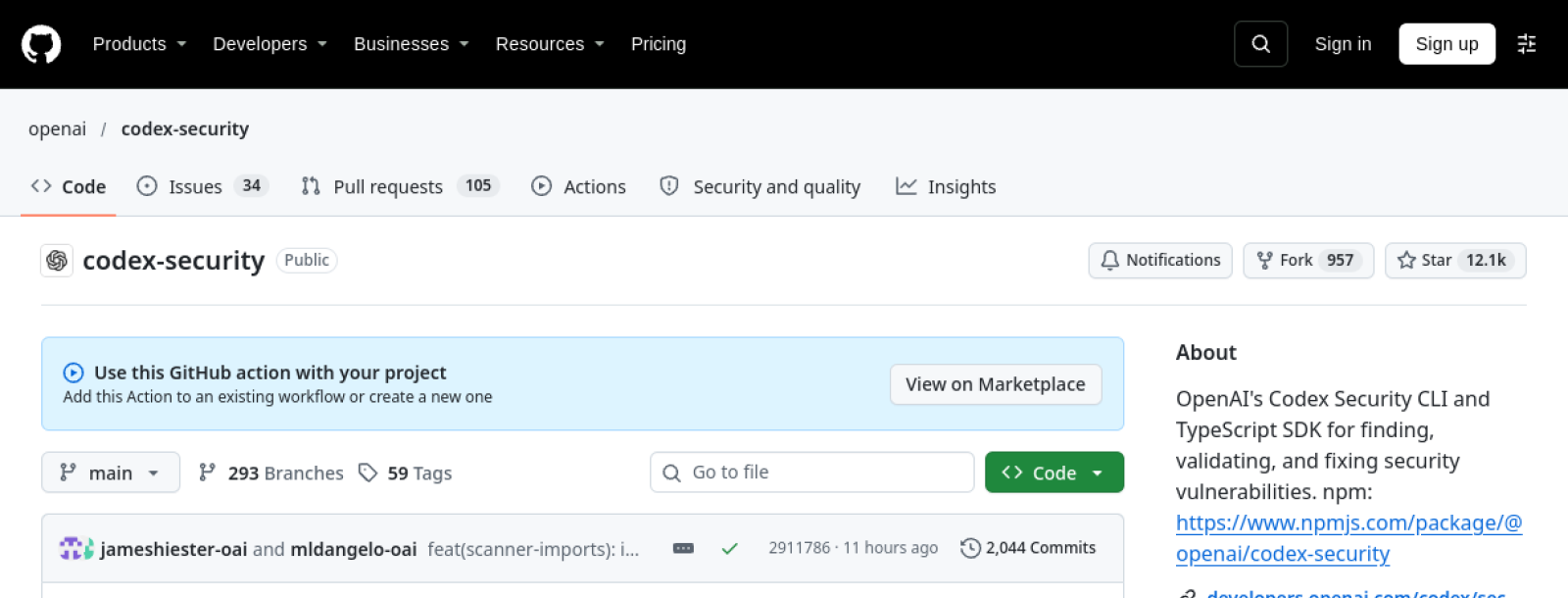
There’s a cluster forming on GitHub trending this week, and it’s hard to miss: AI tools that audit code. Cloudflare’s security-audit skill held the top spot. shadcn/improve was there yesterday. And sitting at #2 on github.com/trending today, November 12, is the one from the frontier lab itself — OpenAI’s Codex Security, a CLI and TypeScript SDK that finds, validates, and fixes security vulnerabilities in your code, with 12,106 stars and 957 forks. It’s the third AI code-audit tool to trend in a week, and it’s the only one that ships as a full product: a command-line tool, an SDK, a GitHub Action, and a hosted cloud service, all built around one idea — that an AI agent can do a better job of finding real vulnerabilities than a list of regex rules.
Not a pattern matcher — an agent that reads your code
The distinction matters, because it explains both what Codex Security is good at and where it can surprise you. A traditional static-analysis tool matches your code against a database of known-bad patterns. Codex Security builds a project-specific threat model first, then hunts for vulnerabilities the way a security reviewer would: reading the code, tracing data flow, and deciding what actually matters in this codebase. The pipeline has three stages, and the middle one is the interesting part. It finds candidate vulnerabilities, then validates them in a sandboxed environment to weed out false positives before a human ever sees them, and then generates patches for the ones that survive. Every completed scan produces four artefacts: scan-manifest.json, findings.json, coverage.json, and a human-readable report.md that opens at the REPORT path when the scan finishes.
The feature list reads like a security team’s wish list rather than a demo. Scan a whole repo, selected paths, or just what changed in a Git diff. Standard and Deep scan modes — a Deep scan repeats Standard scans and deduplicates the findings. Set an advisory time budget, like --max-time 15 for a fifteen-minute investigation. Draft SECURITY.md policies and save or export threat models. Browse saved scans and findings, deduplicate them, assess severity against your own rubric, and let the tool suggest owners from source and Git history. Import findings from third-party scanners — Semgrep, Snyk, Trivy, Checkmarx, Tenable, ArmorCode, Wiz — with external imports now enabled by default in the current release. Export SARIF, JSON, or CSV. Track findings in Linear, Jira, or GitHub. Publish scans to Codex Security Cloud if you want the hosted view, or keep everything local — local scans work without the cloud. And there’s a GitHub Action that runs a scheduled weekly scan, plus Docker Compose support for bulk scans across many repositories at once.
The current release is v0.10.0, and the pace is worth noting: seven releases in November so far, from 0.8.3 to 0.10.0. The latest adds clearer guidance when a patch is blocked, the ability to resume interrupted Standard scans, batch-scan budgets, and ArmorCode SAST import. An earlier release, v0.2.0 in October, added threat-model export and offline credential detection — flagging exposed secrets without testing them against live services.
Two commands to a first scan
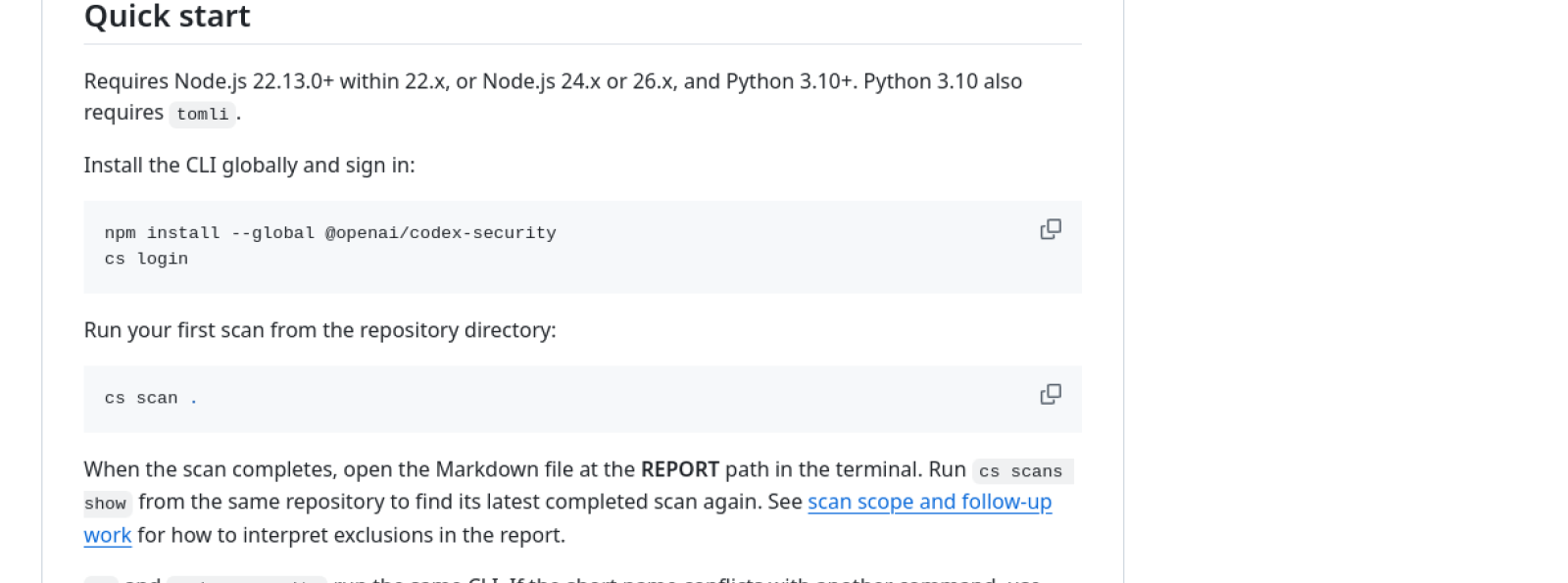
Installing it is the easy part. You need Node.js 22.13.0 or later within the 22.x line, or 24.x or 26.x, plus Python 3.10 or later — Python 3.10 also needs tomli — and it runs on macOS, Linux, and Windows. Then:
npm install --global @openai/codex-security
cs login
From your repository directory, cs scan . starts a scan. cs and codex-security are the same CLI, so if the short name conflicts with another command on your machine, use the long one, or npx @openai/codex-security to skip the global install. For CI, you set OPENAI_API_KEY or CODEX_API_KEY in the environment, and the GitHub Action takes an OpenAI API key as the repo secret CODEX_SECURITY_API_KEY. The TypeScript SDK is a local install — npm install @openai/codex-security — and a few lines of code: import CodexSecurity, construct it, call run() with a path, and read the report path back. Scans can also run against other providers — Amazon Bedrock, OpenRouter, Fireworks AI — by setting that provider’s API key and choosing a supported model, so you’re not locked to OpenAI’s inference even though the default model, per independent write-ups, is gpt-5.6-sol with extra-high reasoning effort.
One thing to know before you point it at a large repo: the CLI is Apache-2.0 licensed and free to install, but the scans are not free. Every scan sends your code to a hosted model and is billed as API usage. There is no self-hosted or offline scanning engine — OpenAI open-sourced the client and kept the scanner. The example GitHub Action uses an estimated $5 limit per scan, and the README notes that in-flight requests can push past the limit. Independent testing on a small nine-file repo found scan costs of $1.46 to $8.54 and run times of three and a half to nearly ten minutes, and the often-quoted “$0.02 per 1,000 lines” estimate doesn’t hold up in practice — cost tracks the agent’s reasoning loop, not the line count. Set a cost cap before scanning anything big: --max-total-cost exists for exactly this reason.
There’s also an access gate to be aware of. The docs say scans using OpenAI inference require Codex Security access, and some cybersecurity requests and protected findings require Trusted Access for Cyber, with a Daybreak opt-in for accounts that have Daybreak access. At least one write-up describes the CLI as a limited beta where full repo scans may need Trusted Access verification depending on account type. The hosted Codex Security Cloud, announced at DevDay on September 29, is available on Pro, Business, Enterprise, and Edu plans.
The honest caveat: it misses things, and your code leaves the machine
Codex Security is a genuine tool with real users and a fast-moving release train — 2,044 commits, 55 releases, created July 13, 2026, and open-sourced in late July after being spotted on Hacker News before OpenAI announced it. But the caveats are not small, and they’re worth stating before you trust it with a codebase you care about.
First, it’s not deterministic, and it’s not a replacement for pattern-based scanning. OpenAI’s own docs warn that AI scans can produce different results even when the configuration stays the same. Independent testing found cases where intentional vulnerabilities — SQL injection, command injection, path traversal, hardcoded credentials — were not flagged, and scans sometimes stopped during preflight. It complements a tool like Semgrep; it doesn’t replace one.
Second, your code leaves your machine. Scans run against hosted OpenAI models under OpenAI API terms, and there’s no air-gapped mode. If your code can’t leave your network, this isn’t your tool.
Third, it focuses on first-party code. Supply-chain vulnerabilities in third-party packages still need Snyk, Dependabot, or similar — Codex Security won’t find the vulnerable dependency in your lockfile.
How it fits the week’s audit-tool cluster
If you’ve been following this series, Codex Security is the productized end of a trend we’ve now covered three times. The Cloudflare security-audit skill from November 7 is a skill — a pack of instructions that makes an existing coding agent do a security audit, free beyond your normal agent usage, with no scanner of its own. shadcn/improve, from yesterday, reviews and refines code but refuses to implement anything itself — it only suggests. Codex Security is the opposite end of the loop: it finds, validates, and patches vulnerabilities, and verifies the fixes. The skill is a recipe; Codex Security is the appliance. One polishes the front end; the other hardens the code.
That also explains why it’s trending now. There’s no single new launch on November 12 — the surge is discovery and word of mouth around the open-source CLI, riding the same wave as Cloudflare’s skill and the DevDay Cloud announcement from September. The repo was quietly open-sourced in late July 2026, spent the autumn adding the GitHub Action, the SDK, and the Cloud service, and is now getting found by the developers who need exactly this: an agent that reads their code like a reviewer and hands them a patch, not a list of warnings.
Who should try it
The audience is developers with a codebase they own — the official docs say to scan only repositories you own or have permission to assess — who already use OpenAI’s API or a Codex plan, and who want a second opinion on their security posture that goes beyond pattern matching. Start small: install the CLI, run cs scan . on a small repo, set a cost cap, and read the report before you believe any of it. Check the findings against what you know about the code. If the validated findings are real and the patches are clean, you’ve got a useful new step in your pipeline. If it misses something you planted — or flags something that’s by design — you’ve learned its limits cheaply, which is the whole point of a trial.
The repo is github.com/openai/codex-security, Apache-2.0 licensed, with the full README, release notes, and install guides on the page. Also today: Meta’s Muse Ember matches Claude Haiku 5.5 at a third of the cost per task, and Anthropic turned Claude into an office suite with Claude Sheets, Whiteboards, Data and Meetings.