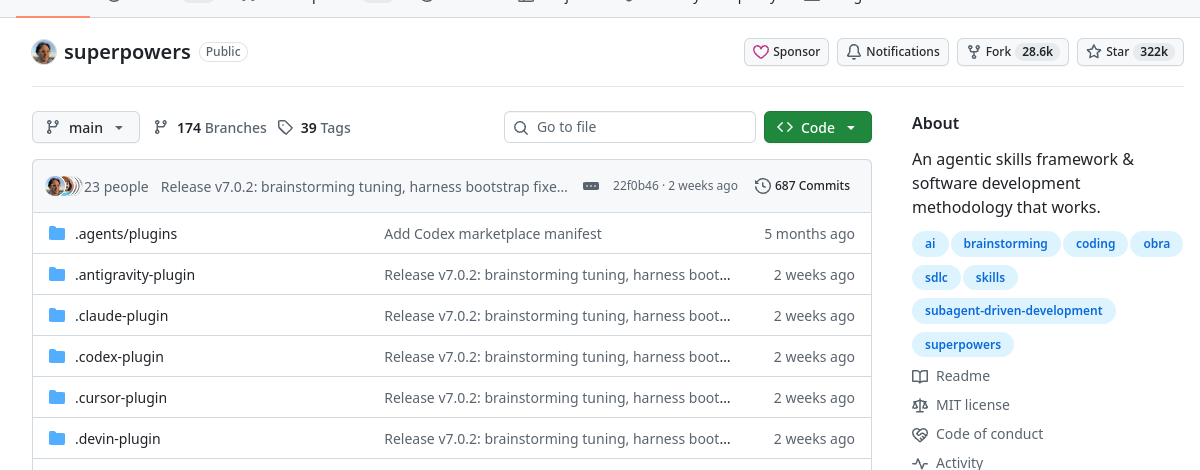
There is a number on GitHub today that makes you stop scrolling. Superpowers, a framework for coding agents by Jesse Vincent, is sitting at number one on GitHub’s trending list with nearly 322,000 stars — more than most programming languages manage in their entire lifetime, and about 2,000 of those stars arrived today alone. It has 28,600 forks, 687 commits, and a version number, v7.0.2, that suggests this is not a weekend experiment. It is, in the README’s own one-line pitch, “a complete software development methodology for your coding agents, built on top of a set of composable skills and some initial instructions that make sure your agent uses them.”
That sentence is doing a lot of work, so it is worth unpacking. Superpowers is not a model, not a coding tool, and not a plugin that writes code for you. It is a way of working — a set of skills your coding agent loads that change how it behaves from the moment you start a session. If you have ever watched Claude Code or Cursor charge straight into writing code before understanding what you actually wanted, and then spent the next hour untangling the result, you are the person this is for.
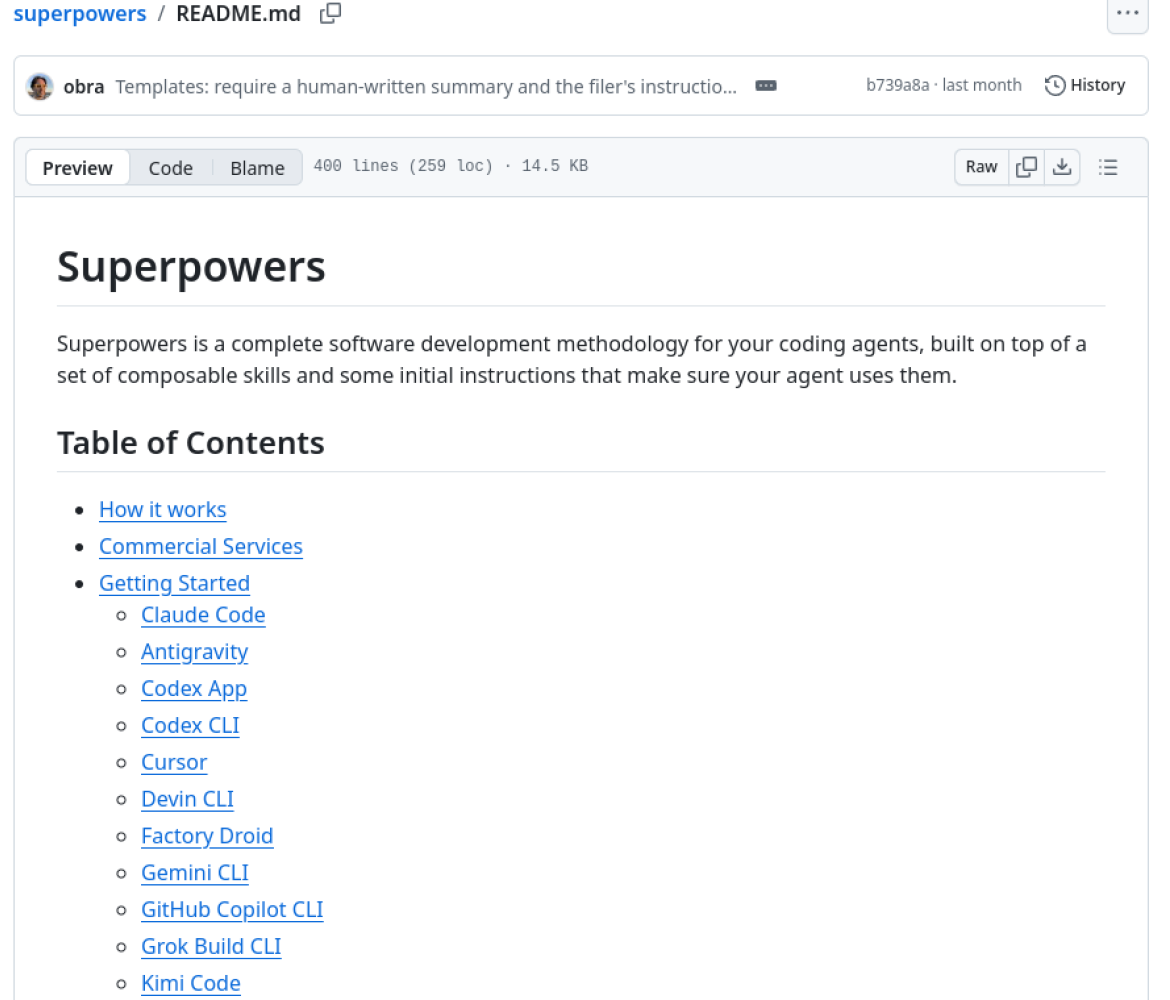
Screenshot: github.com/obra/superpowers — the README’s introduction and its table of contents, with setup guides for sixteen different coding tools.
The problem it solves: agents that skip the thinking
The default behaviour of a coding agent is enthusiasm. You describe a feature in two sentences and it starts typing — files, functions, tests it invented, a commit message already drafted. Sometimes that is exactly what you want. Often it is not, because the two sentences were not a specification, they were a hunch, and the agent has now built the wrong thing quickly and confidently.
Superpowers attacks that at the root. The README describes the flow plainly: as soon as your agent sees that you are building something, it does not jump into writing code. It steps back and asks what you are really trying to do. Once it has teased a spec out of the conversation, it shows it to you in chunks short enough to actually read and digest. Only after you have signed off on the design does it write an implementation plan — and the README’s description of that plan is the most honest line in the whole document. It should be clear enough, it says, for “an enthusiastic junior engineer with poor taste, no judgement, no project context, and an aversion to testing to follow.”
That is a joke, but it is also the design principle. Plans written to survive that engineer are plans with exact file paths, complete code, and verification steps. And once you say go, the agent launches subagent-driven development: fresh agents work through each task, review each other’s work, and keep going. The README claims it is “not uncommon for your agent to work autonomously for a couple hours at a time without deviating from the plan” — a claim I have not independently verified, and one that depends heavily on the model underneath, but the structure that makes it plausible is all there in the open.
What’s inside: fifteen skills, four jobs
The skills library is the actual product, and the README lists fifteen of them, grouped by the job they do. Testing gets one skill, and it is the one the whole philosophy hangs on: test-driven development, the strict red-green-refactor cycle — write the failing test, watch it fail, write the minimal code, watch it pass — with a reference on testing anti-patterns and an explicit rule that code written before its test gets deleted.
Debugging gets three: systematic-debugging, a four-phase root-cause process; verification-before-completion, which exists to stop the agent declaring victory over a bug it has not actually fixed; and diagnosing-superpowers, a skill for working out what went wrong in a session, with line-level evidence from the transcript and an option to package a scrubbed bundle for a bug report.
The biggest group is collaboration, and it reads like the table of contents of a good engineering handbook: brainstorming, which draws out intent before building; writing-plans, which breaks approved designs into bite-sized tasks of two to five minutes each; executing-plans and subagent-driven-development, the two modes for carrying a plan out — inline in one session, which is cheapest, or one fresh subagent per task with a review after each, which is most thorough; dispatching-parallel-agents for concurrent work; requesting and receiving code review; using-git-worktrees for isolated branches; and finishing-a-development-branch, which verifies the tests, presents the merge, pull-request, keep or discard options, and cleans up. Two meta skills round it out: writing-skills, for creating new ones, and using-superpowers, the introduction that bootstraps the rest.
What matters is that these are not suggestions. The README is explicit: “The agent checks for relevant skills before any task. Mandatory workflows, not suggestions.” And because the skills trigger automatically once installed, the pitch is that you do not need to do anything special. Your coding agent just has Superpowers.
Installing it takes a minute, whichever tool you use
This is the part that explains the star count. Superpowers is not a Claude Code exclusive. The README carries installation instructions for sixteen harnesses, and the list reads like a census of the coding-agent world in late 2026: Claude Code, Antigravity, Codex App and Codex CLI, Cursor, Devin CLI, Factory Droid, Gemini CLI, GitHub Copilot CLI, Grok Build CLI, Kimi Code, OpenCode, Pi, Qwen Code, Hermes Agent, and Muse. If you use more than one, you install it separately for each.
For Claude Code users, the recommended route is Anthropic’s official plugin marketplace:
/plugin install superpowers@claude-plugins-officialGemini CLI users get it as an extension, Cursor users install it from the marketplace in Agent chat, and Qwen Code — the free terminal coding agent we covered last week — installs it from Claude Code marketplaces directly:
qwen extensions install obra/superpowers
gemini extensions install https://github.com/obra/superpowers
/add-plugin superpowers
The project is MIT-licensed, free, and built by Jesse Vincent and the team at Prime Radiant, with a Discord community for support. Enterprise users who want commercial support, extra tooling, or managed spending can contact the team — the README lists a sales address for that — but nothing in the framework itself costs money, and there is no paid tier gating any skill.
The honest caveat: process is overhead, and it shows
Every methodology has a failure mode, and Superpowers’ is the one its own design invites. The full ceremony — brainstorming, a written design document, a detailed plan, subagents, review, a finishing workflow — is exactly right for a feature that will take an afternoon. For a one-line fix, it is a lot of process to sit through, and the README’s own concession, that small changes “get agreed in chat,” only helps if the agent judges the size of the change the way you do. If you mostly ask your agent for quick edits, the discipline Superpowers adds will feel like friction before it feels like help.
There is a second, smaller thing worth knowing before you install it. The brainstorming skill has an optional visual companion, and the Prime Radiant logo on it is loaded from the project’s website — which means the page reports back the version of Superpowers in use. The README is upfront about this: it includes no details about your project, prompt, or coding agent, and it exists so the maintainers can roughly tell how many people use the tool. It is optional, and you can switch it off entirely by setting the SUPERPOWERS_DISABLE_TELEMETRY environment variable; the project also honours Claude Code’s own telemetry opt-outs. That is a reasonable trade and an honest disclosure, but if you run a locked-down environment, set the variable first.
And a note on expectations: Superpowers makes a capable agent disciplined. It will not make a weak model a good engineer, and the “couple of hours autonomous” claim in the README is the project’s, not something this article verified. Judge it on the workflow, which you can read in full on the repo, not on the most ambitious sentence in the pitch.
Who should install it
If you already use a coding agent every day — Claude Code, Codex, Cursor, Gemini CLI, or any of the other sixteen — and you have felt the specific pain of an agent building the wrong thing fast, this is a one-command experiment with no cost and an easy uninstall. It is most valuable on real projects with real stakes, where a design document and a plan are worth more than the ten minutes they take to produce. Codex users in particular will recognise the workflow: the same discipline that makes an agent good at finding vulnerabilities makes it good at not introducing them.
It is less obviously useful if you only use AI coding tools occasionally, or if your work is mostly one-off scripts — there, the ceremony costs more than it saves. And if you are new to agent skills entirely, Google’s free skills library for Google Cloud is a useful companion read on how the skills format itself works.
Superpowers earned its 322,000 stars the slow way, one developer at a time, since Jesse Vincent created the repo in October 2025. It did not go viral on a demo or a benchmark. It went viral on a workflow — on the idea that the difference between a coding agent that helps and one that creates cleanup work is not the model, it is the process around it. That is a harder thing to sell than a speed chart, and a more useful thing to have. Install it, start a session, and say “let’s make a react todo list” — if the agent starts asking questions instead of writing code, it is working.
Also today: Anthropic priced its IPO at $83 — the largest on record, and GPT-6.2 Astra is 20% cheaper, with a safety-first pitch. All figures in this article — stars, forks, version, skill count — were checked against the live GitHub page on November 19, 2026.