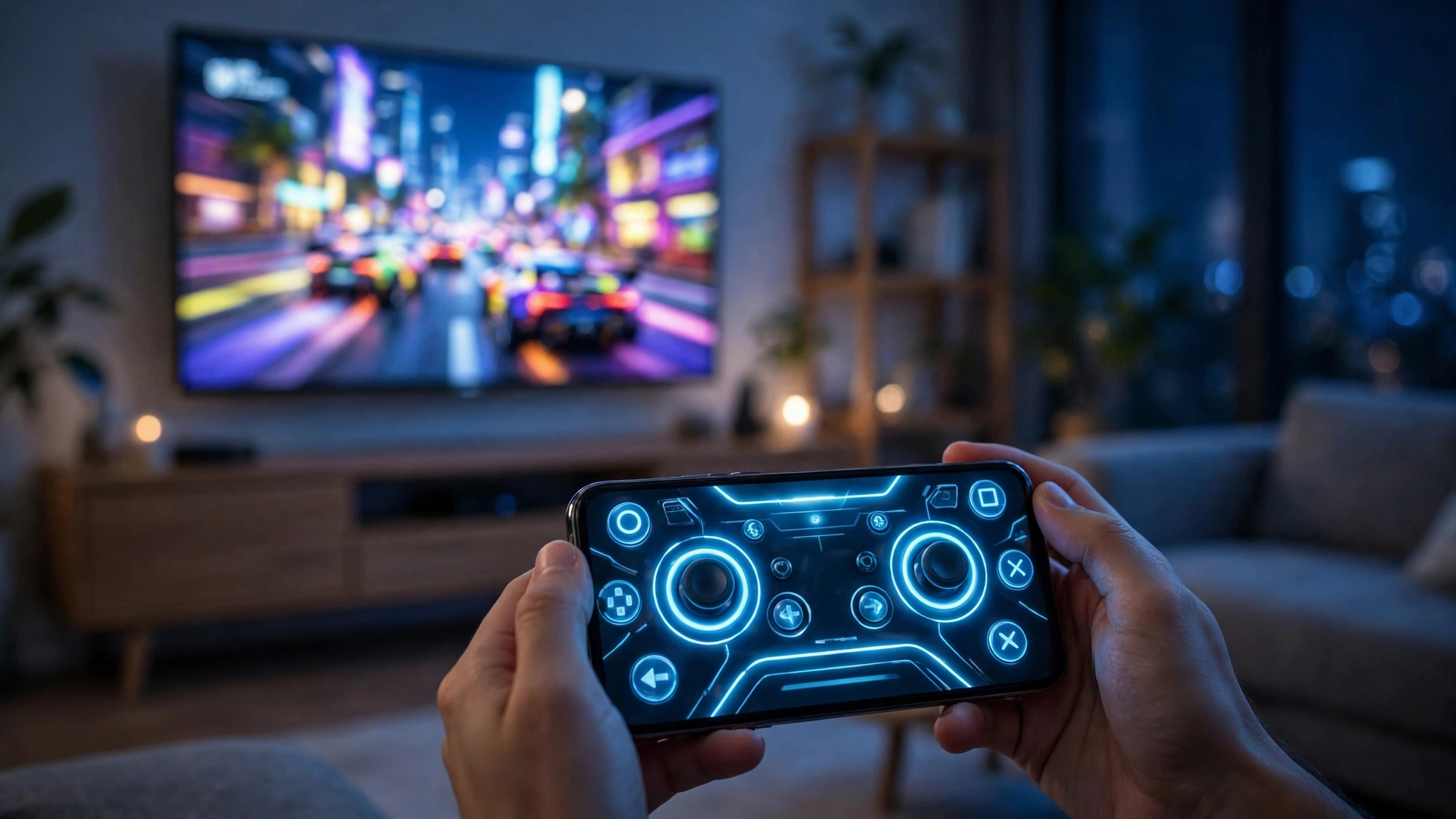
Starting November 4, you can play Xbox Cloud Gaming on a smart TV without owning a controller at all. Microsoft rolled out two previews the same day: one turns your phone into a controller on supported TVs, and a second — US-only for now — lets the new Xbox Nano Controller skip Bluetooth entirely and talk straight to the cloud server running your game. Both are previews, not finished features, and Microsoft is upfront about that: “Both experiences are still being tested. Availability and supported games or devices may be limited while we learn from your feedback.”
The timing is no accident. This is the same month Xbox starts putting a meter on cloud play — Game Pass Ultimate gets 15 hours a month, Premium 10, Essential 5 — so Microsoft is simultaneously lowering the barrier to getting into a cloud game and putting a cap on how long you can stay in one. That tension is the real story of this update.
Your phone becomes the controller
The phone-as-controller preview is the one most people will actually use, because it needs nothing you don’t already own. On a supported smart TV, you open the Xbox experience, turn on Preview Features under Settings > Account, and launch a game with no physical controller connected. The TV app offers to use your phone for that session; you scan a QR code on the TV and the controls open in your phone’s browser — no separate app to install, no pairing dance.
Some games get controls tailored to how they play, according to Xbox Wire, though Microsoft hasn’t named which ones. That matters, because a generic on-screen gamepad is fine for a turn-based game and miserable for a shooter. The tailored-layouts promise is the difference between a feature you try once and one you actually use when friends are over and the controller is charging in another room.
Availability is broader than the second preview: it rolls out in every country where Xbox Cloud Gaming is supported. That includes the US, the UK, Canada, Australia and much of Europe — Microsoft hasn’t published a full per-country list for this preview, and rollout is staggered. Insider Gaming’s writer, with a compatible TV and phone in hand, couldn’t trigger the prompt on announcement day. If it doesn’t appear for you yet, that’s the staggered rollout doing its thing, not something wrong with your setup.
Which TVs count as “supported”? Xbox Wire doesn’t name brands in the post itself; it links to a support page listing supported models. Insider Gaming’s reading of that list gives Amazon Fire, LG, Samsung and certain VIDAA OS-powered sets. Treat that as the outlet’s reading of Microsoft’s support page rather than Microsoft’s own words — no individual TV models have been named anywhere yet.
Cloud connect: the Nano Controller talks to the server, not the TV
The second preview is the more interesting piece of engineering, and the more restricted one. Cloud connect lets the Xbox Nano Controller join your Wi-Fi network and connect directly to the cloud server running the game, instead of pairing over Bluetooth to the TV. Microsoft says that “can help reduce input latency, so gameplay may feel more responsive.” Note the “can” — no latency numbers have been published, and no independent before-and-after measurement exists. Until someone measures it, the latency benefit is a vendor expectation, not a tested result.
For now, cloud connect works on supported smart TVs and the web, it won’t work with every cloud gaming experience yet, and it is US-only. Microsoft has given no date for expanding it to other countries or to other controllers, though a Windows Central report has suggested it could eventually reach every Xbox controller. For now it’s exclusive to the Nano.
Setup runs through the Xbox beta app on Android, or the Xbox Accessories app on PC — and the PC route requires Xbox Insider enrolment. (Xbox Wire names Android only for the beta-app route; iPhone owners should plan on the PC route.) Once the controller is on your Wi-Fi, you open a supported cloud gaming experience and sign in with the same Xbox account used during setup, and the controller connects via cloud connect.
The Nano itself went on sale the same day, November 4, at $49.99 in the US. It’s Microsoft’s smallest controller — a little over 5 inches long, about 3.5 ounces — with all 18 standard gameplay inputs, a rechargeable battery (the USB-C cable is sold separately), a programmable Action Button, and Xbox Wireless plus Bluetooth. One thing it doesn’t have: rumble. Pre-orders opened when it was announced on October 14, and it’s launching in 35+ countries and markets. If you want the full picture on the hardware itself, our Xbox Nano Controller rundown covers the price, specs and what’s in the box.
The meter starts this month
Here’s the context that changes how to read these previews. Xbox announced back in September that cloud gaming hours will be capped starting in November: 15 hours a month on Game Pass Ultimate, 10 on Premium, 5 on Essential. Microsoft says the change affects about 4% of subscribers, and the caps apply only to cloud streaming, not to games installed locally.
Extra hours will be sold as packs through the Xbox Store, but Microsoft hasn’t published final pricing. The $3.99-for-10-hours figure floating around comes from an Xbox Insider test that began October 21 — it’s an introductory test price, not a confirmed retail price. And as of November 2, Microsoft still hadn’t given an exact day the limits take effect. Some subscribers have also reported account notices suggesting unlimited access may continue while an eligible recurring subscription stays active, so the effect looks account- and market-dependent.
Put the two announcements together and the strategy is plain: make it easier to start a cloud game on any TV in the house, and make sure heavy streaming is metered. A phone-as-controller preview that needs no hardware purchase is a good on-ramp; a monthly hour budget is the guardrail.
Who this is actually for
If you already stream on a TV and your controller is always somewhere else, the phone preview is worth turning on the moment it appears — it’s free, it needs no new hardware, and it’s the kind of feature that quietly becomes the default way casual sessions start. If you’re in the US, own a Nano, and play fast games where input lag is the difference between winning and losing, cloud connect is worth testing — just don’t buy the controller for this feature alone until someone publishes real latency numbers.
Everyone else can wait. Neither preview has an exit date from testing, and the phone controls are rolling out slowly enough that many people won’t see the prompt for a while. The hour limits, though, are worth understanding now: if you stream a lot, check which Game Pass tier you’re on before November’s billing cycle, because 5 hours on Essential is ten minutes a day.
What to watch next: real latency measurements for cloud connect, whether it reaches other controllers, and the exact day the hour caps switch on. Microsoft’s feedback channel for both previews runs through the Xbox Accessories app on PC or the Feedback icon in the Xbox mobile app — which is where the people who actually use these features will decide how fast they graduate from preview to product.
For the wider Xbox picture this month, see our Xbox Game Pass November 2026 games list and the server-closure dates for Warzone and NBA 2K25.
Also today: Meta Muse Voice: Talk to Your AI With a Face and Google Skills: 186 Free Agent Skills for Google Cloud.