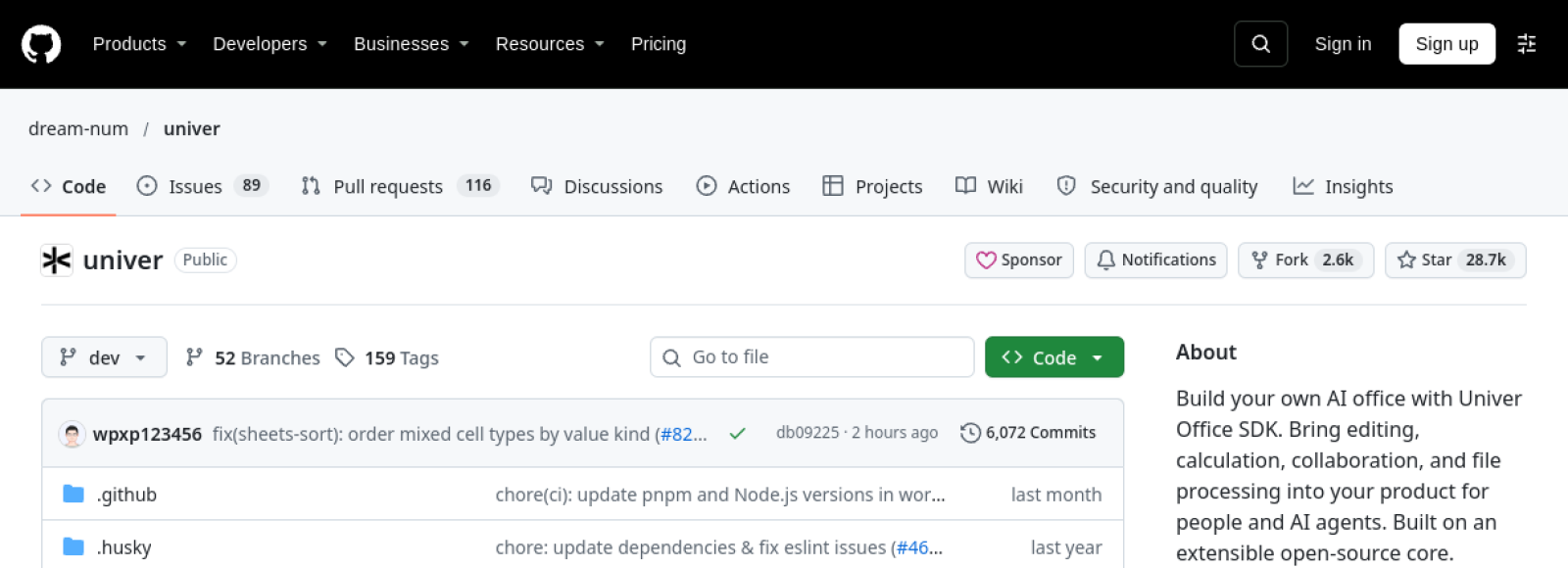
Univer is the number four trending repository on GitHub today, and it answers a question that has quietly become one of the most practical problems in software: what do you do when your app — or your AI agent — needs to work with a spreadsheet? You could build a spreadsheet editor from scratch, which is a multi-year project. You could embed Google Sheets or Microsoft 365, which means handing your users’ data to someone else’s cloud. Or you could use Univer, an open-source Office SDK that drops a real spreadsheet and document editor into your own product, under your own control, with an AI layer that lets agents edit the same content your users do.
The repository, dream-num/univer, has about 28,700 stars and 2,600 forks, and it has been climbing GitHub’s trending list for two days running. It is not a new project — it was created in September 2022 and has more than 6,000 commits — but the current surge is tied to the thing that has changed around it: AI agents that need to read and write Office files, and a market of developers who would rather embed an editor than build one.
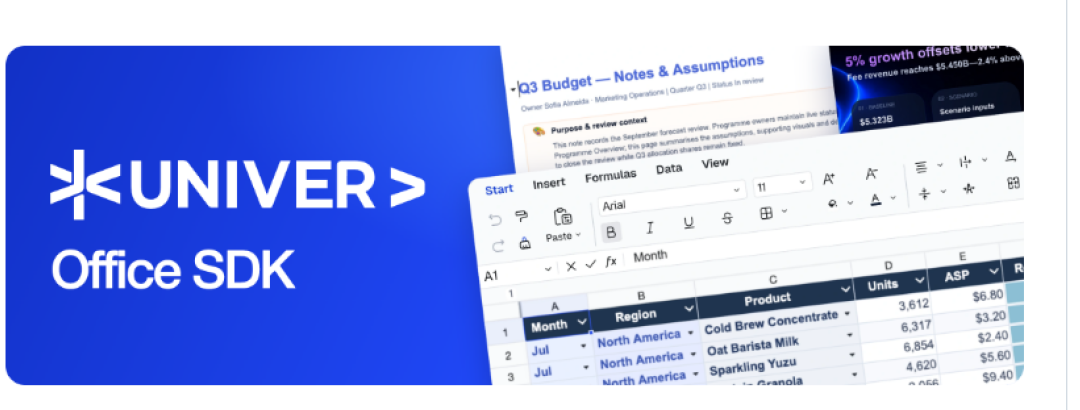
Screenshot: github.com/dream-num/univer — the README’s banner: the Univer Office SDK logo beside a working spreadsheet.
What it actually is
Univer describes itself as an Office SDK for building Office applications inside your own product. The product family covers spreadsheets, documents, presentations, relational tables, canvases, and PDFs — but the distinction that matters is between what is open source and what is not. The repository itself provides the Web SDK’s core architecture and engine under Apache-2.0: content models and snapshot formats, the plugin and dependency system, the command system, the formula and rendering engines, the Facade APIs, the UI foundation, and the Sheets and Docs editing capabilities. That is the open-source foundation, and it is free to use in commercial applications under the Apache license.
Built on that foundation are three parts. The Web SDK is the core: content models, editing, rendering, formula calculation, and the Facade APIs — the application-facing interface to workbooks, worksheets, and ranges. The Server SDK adds backend services for real-time collaboration, edit history, and Office file import and export. The AI SDK connects Office capabilities to existing agents and workflows, with content tools, execution, and review integrations. The Server SDK and the AI SDK’s commercial extensions are distributed and licensed separately, and freemium evaluation includes watermarks and feature limits — which is the honest caveat at the centre of this project, and we will come back to it.
For a developer, the practical pitch is this: the open-source Sheets and Docs editors are real editors, not demos. The Sheets capabilities include cell styles, merged cells, in-cell rich text, freeze panes, floating images, undo and redo, formulas, defined names, filtering, sorting, data validation, conditional formatting, hyperlinks, comments, and find and replace. Docs covers rich-text editing, paragraph formatting, lists, hyperlinks, comments, and drawing integration. The README is careful to note that its demo screenshots show the wider commercial SDK, which includes more than the default open-source setup — so if you try the quick start and find that charts or pivot tables are missing, that is not a bug. Those live in the commercial Web SDK plugins.
Ten minutes to a working spreadsheet
The quick start is genuinely quick. In a browser application using a bundler such as Vite, one install command gets you the presets:
pnpm add @univerjs/presets @univerjs/preset-sheets-coreThen a container div, a short initialization — create the Univer instance with the Sheets Core preset, call univerAPI.createWorkbook({}) — and your page contains a spreadsheet editor. The example uses only open-source packages and needs no commercial Univer license or Server SDK. The README walks through a second example that shows why the Facade API matters: populate a quotation, update a quantity from application code, and read the recalculated total back. Formulas recalculate automatically, the editor and your application operate on the same workbook, and workbook.save() returns a JSON snapshot you can store and restore later. Your application owns persistence; the example uses browser storage, but the snapshot is yours to put wherever you like.
There is also a headless mode, which is where the AI angle gets interesting. The same content plugins, models, commands, and calculation can run in Node.js without an interactive editor, so an agent or a backend service can create, edit, and calculate a workbook programmatically. The AI SDK builds on that: it exposes structured TypeScript APIs and optional CLI building blocks so agents can inspect content, edit it, and check the rendered result — including a browser render runtime that screenshots the output and a slide-layout lint that flags issues such as off-page or overlapping text, giving the agent evidence for another editing pass. Agents can also edit an isolated Worktree draft over several rounds and hand it to a person to review, merge, or reopen, which is the same review loop Plannotator builds for code, applied to documents instead.
The part that costs money
Univer is free, and Univer is not free, and the README is unusually honest about the boundary. The open-source packages in this repository are Apache-2.0, including the headless content capabilities, and you can use them in commercial applications under that license. The commercial Web SDK plugins — charts, shapes, pivot tables, SmartArt — the Server SDK with real-time collaboration and Office file conversion, and the AI SDK extensions beyond the open-source foundation are distributed and licensed separately. Freemium evaluation includes watermarks and feature limits, and no prices are published on the repository; the plans and licensing page carries the commercial details.
That split is the thing to understand before you build on Univer. If your need is an embedded spreadsheet and document editor with formulas, filtering, and a clean API — the open-source foundation covers it, and the license lets you ship it. If you need real-time collaboration, XLSX/DOCX/PPTX import and export, or the full AI agent tooling, you are in commercial territory, and you should price that before you commit your architecture to it. The README’s feature comparison page has an “Open source only” filter, which is the right place to check exactly where the line falls for the features you need. The demos on the README showcase the wider SDK, including commercial capabilities, so do not judge the free tier by the screenshots.
It is also worth noting what you do not need: there is no Univer API key for the open-source packages, and your application supplies its own model and tool orchestration for agents. The cost, where there is one, is the language model behind your agent and the commercial SDK licence — not a per-seat Univer subscription for the core editor.
Who it is for, and who should skip it
Univer is for developers building products where users or agents work with Office content inside the product itself: SaaS apps that need an embedded spreadsheet, internal tools with editable budgets and reports, agent workspaces where the agent and the user share a document, and anyone who has already built a private version of this problem and is maintaining it. The ecosystem around it is genuinely useful for that audience — a CLI for creating and editing Office content from the command line, integrations for DeepSeek Harness, WorkBuddy, and OpenClaw, and an SDK Skills package that teaches coding agents how to integrate the SDK. The runtime requirements are modest: Chrome 88 or newer, Node.js 18.17 or newer for headless use, React 18 and 19 supported, with Vite, esbuild, or Webpack 5 recommended.
It is not for everyone. If you just need a spreadsheet in your browser, Google Sheets and Excel Online already exist and are free. If you need full Microsoft Office compatibility — every pivot table, every macro, every quirk of a twenty-year-old .xls file — a third-party editor will not match the real thing, and Univer’s file conversion lives in the commercial Server SDK, not the free core. And if you are a non-developer looking for an office suite, this is not a product you install; it is a toolkit you build with. The Univer Workspace reference application is the closest thing to a ready-to-use product, and it is open source and self-hostable — but it is a reference, not a polished consumer app.
The honest caveat, beyond the commercial split, is the one that applies to every fast-moving open-source SDK: the repository is very alive, with a commit within hours of this article being written and 123 releases, which means the API surface moves. The project publishes an API Stability Policy and tells you to read it before depending on an extension point, and that advice should be taken seriously. Pin your versions, check the compatibility notes for commercial packages, and do not build against the dev branch — the default branch is dev, not main, which is the first thing a new contributor trips over.
Univer’s pitch is not that it replaces Microsoft Office. It is that the spreadsheet is becoming infrastructure — something your app and your agent both need to touch — and that infrastructure should be something you can embed, control, and extend, rather than something you rent from a cloud. At 28,700 stars and climbing, a lot of developers seem to agree.
Also today: the Chase bank outage that slowed payments across America, and the hacker who leaked GTA 6 pleading guilty three days before launch. If you build with AI agents, also see our coverage of AG-UI, the free standard connecting agents to apps, and Google Skills, the agent-skills library for Google Cloud.